PRIVACY POLICY
Thank you for accessing https://micdave-telecombiz.com.ng, the website operated by Micdave Telecombiz Ltd. This Privacy Policy Statement sets out how Micdave collects, stores and handle personal information. In line with global best practices, we respect your privacy and want to protect your personal information. This Privacy Policy also explains how Micdave collects, uses and (under certain conditions) discloses your personal information.
By providing your Personal Information to us, you are consenting to this Privacy Policy and the collection, use, access, transfer, storage and processing of your personal information as described in this Privacy Policy.
By visiting the Site directly or through another site, you accept the practices described in this Policy. Data protection is a matter of trust and your privacy is important to us. We shall therefore only use information which relates to you in the manner set out in this Privacy Policy.
We will only collect information where it is necessary for us to do so and we will only collect information if it is relevant to our dealings with you. We will only keep your information for as long as we are either required to by law or as is relevant for the purposes for which it was collected. You can also visit the Site and browse without having to provide personal details.
DATA COLLECTION AND USE.
In order for us to provide you with our Services and to operate in an efficient and effective manner by providing you with the best service possible the personal information collected by us may include (but is not limited to):
- Name
- Gender
- Nationality
- Address
- Phone Number
- Email address
HOW WE COLLECT YOUR PERSONAL INFORMATION
We may collect personal information directly from you when you:
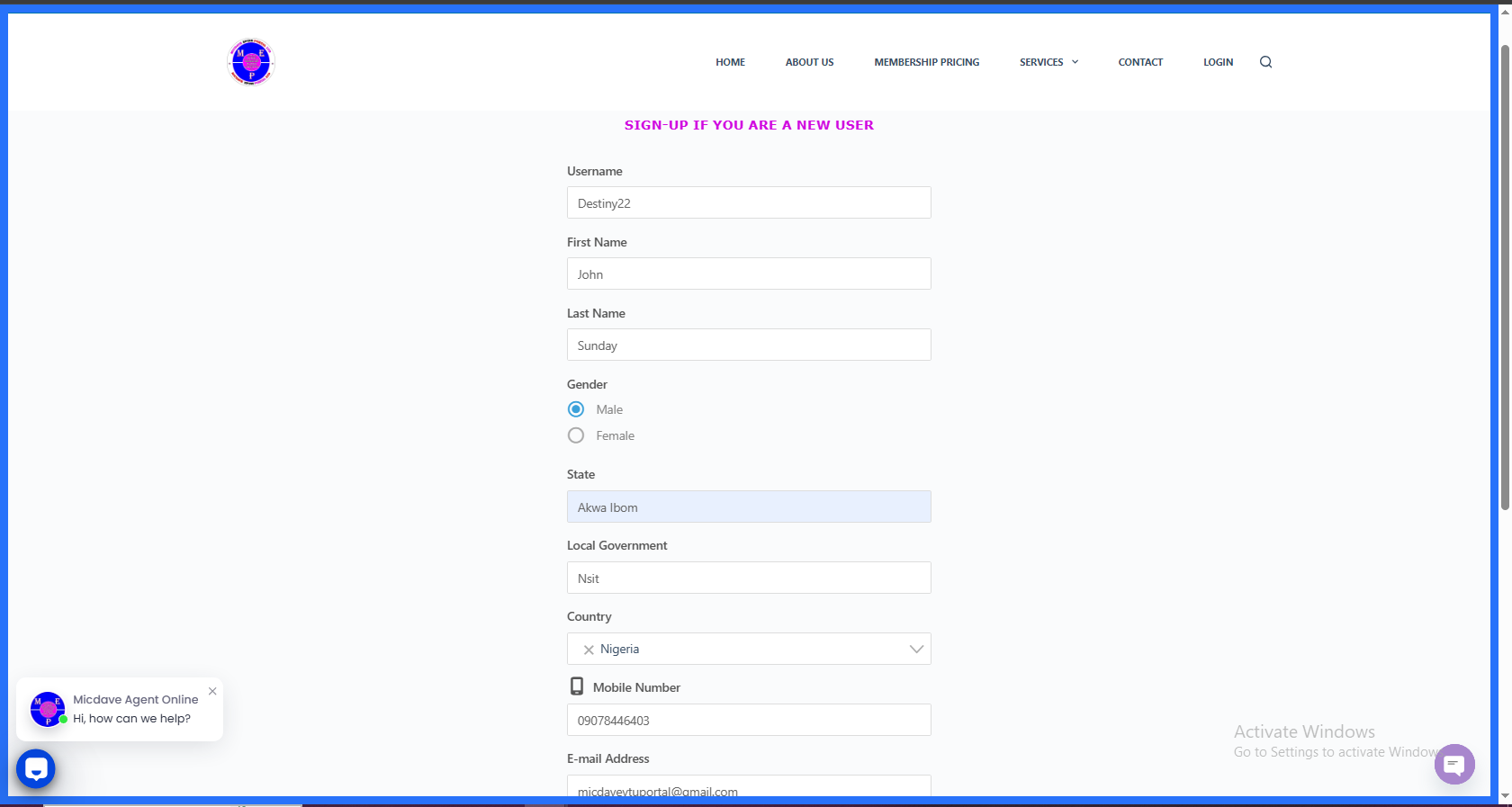
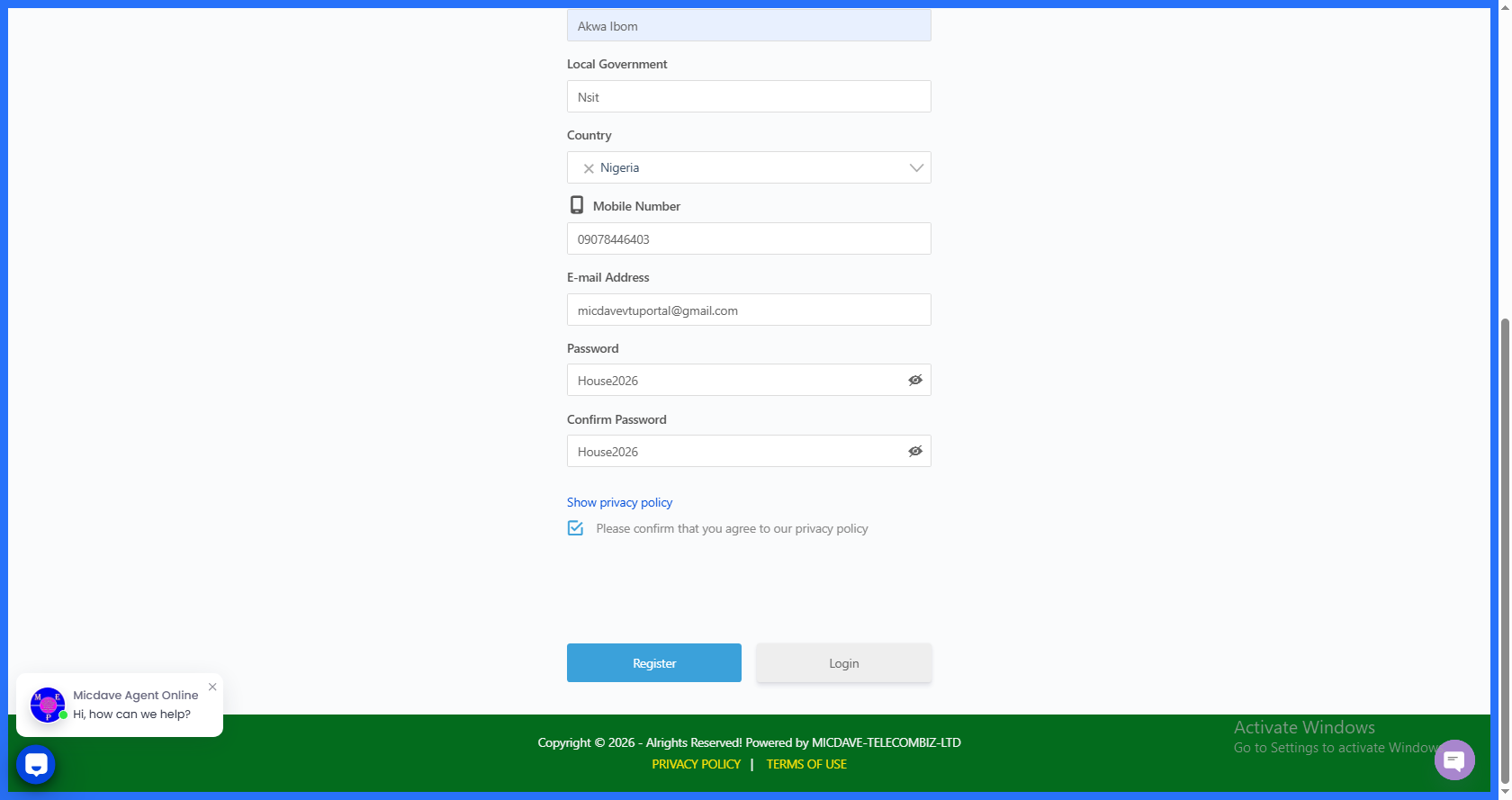
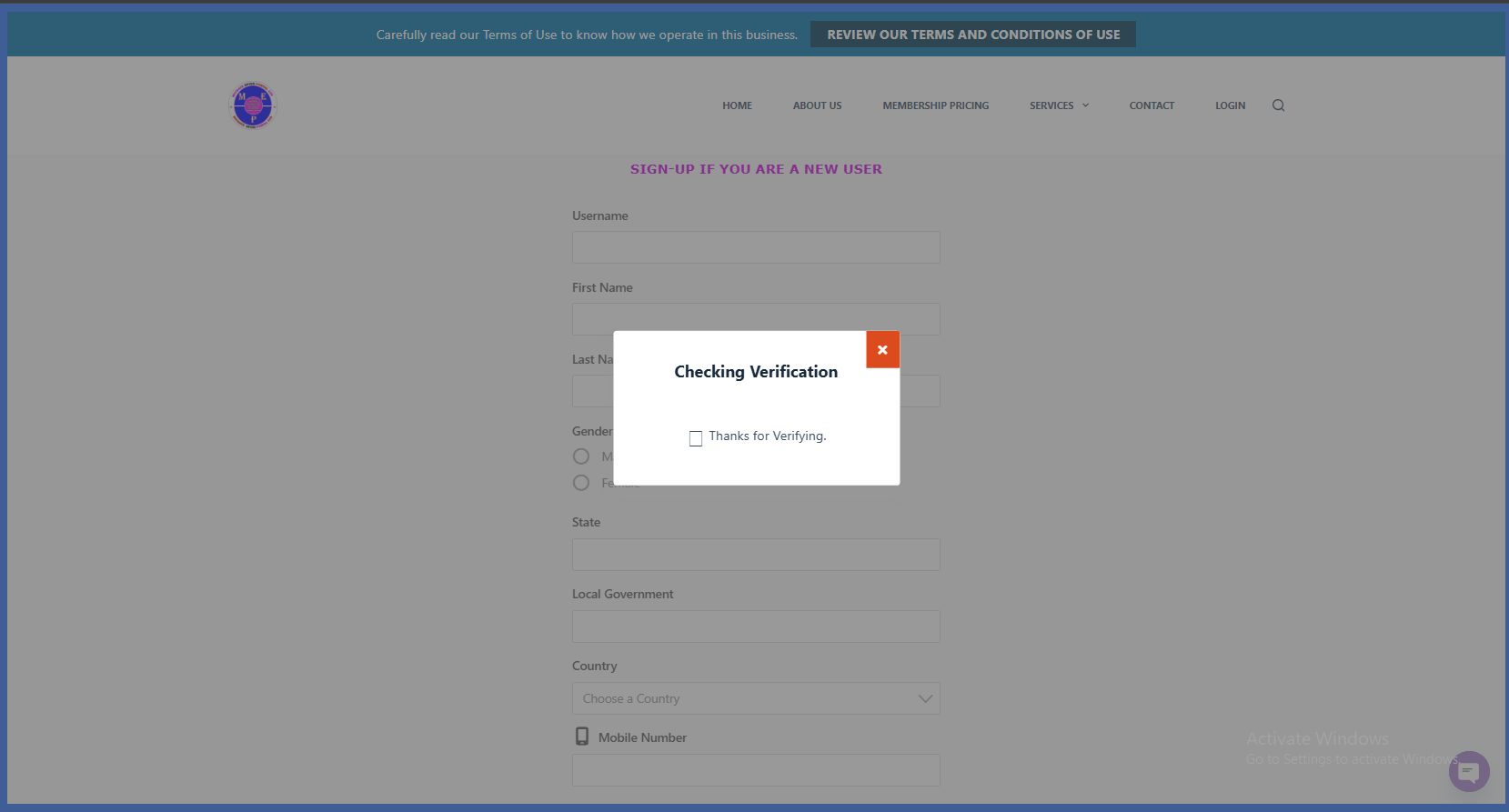
- Create an account on our Website.
- Request for a specific service or our publications (for example, Newsletters).
- Participate in any of our surveys.
- Respond to any marketing materials we send out.
- Participate in any competition or contest run/organized by us.
- Visit any of our offices
- Provide feedback to us (for example via our websites or in hard copy)
Other than personal information obtained from you directly (as detailed above), we may also obtain your personal information from third parties we deal with or are connected with you and from such other sources where you have given your consent for the disclosure of information relating to you, and/or where otherwise lawfully permitted.
HOW WE USE YOUR PERSONAL INFORMATION
We may collect and use personal information from you or from the category of third parties identified in this Privacy Policy, for one or more of the following purposes:-
- To verify your identity
- To assess and process your application(s)/request(s) for our Services.
- To provide you with the Services you have requested.
- To detect and prevent fraudulent activity.
- To keep in contact with you and provide you with any information you have requested.
- To establish and better manage any business relationship we may have with you
- To process any communications you send us (for example, answering any queries and dealing with any complaints and feedbacks).
- To maintain records required for security, claims or other legal purposes
- To comply with legal and regulatory requirements
- For any other purposes that is required or permitted by any law, regulations, guidelines and/or relevant regulatory authorities
DISCLOSURE OF YOUR PERSONAL INFORMATION
As a part of providing you with our Products and/or Services, we may be required or need to disclose information about you to the following third parties:
- Law enforcement agencies.
- Government agencies.
- Companies and/or organizations that act as our agents, contractors, service providers and/or professional advisers.
- Companies and/or organizations that assist us in processing and/or otherwise fulfilling transactions and providing you with Products and/or Services that you have requested or subscribed for.
- Our business associates and other parties for purposes that are related to the purpose of collecting and using your personal information.
- Other parties in respect of whom you have given your express or implied consent.
YOUR RIGHTS TO ACCESS AND CORRECT YOUR PERSONAL INFORMATION
We can assist you to access and correct your personal information held by us. Where you wish to have access to your personal information in our possession, or where you are of the opinion that such personal information held by us is inaccurate, incomplete, misleading or where relevant, not up-to-date, you may make a request to us by sending a mail to info@micdave-telecombiz.com.ng
COOKIES
We collect information about your use of our Site from cookies. Cookies are packets of information stored in your computer which assist your website navigation by customizing Site information tailored to your needs. Cookies in themselves do not identify the individual user, just the computer used. You are not obliged to accept cookies. If you are concerned, you can set your computer either to accept all cookies, to notify you when a cookie is issued, or not to receive cookies at any time. However, rejection of cookies may affect your use of our Sites as we will be unable to personalize aspects of your use of the Site.
LINKS TO THIRD PARTY WEBSITES
Please be informed that this Privacy Policy applies solely to the Site and does not apply to any third party websites you may access from our Site. To determine how they deal with your Personal Information, you should ensure that you read their respective privacy policies.
TRANSFER OF YOUR PERSONAL INFORMATION OUTSIDE NIGERIA
It may be necessary for us to transfer your personal information outside Nigeria if any of our service providers or partners who are involved in providing part of our services are outside Nigeria or if you subscribe for our Services from a country other than Nigeria. You consent to us transferring your personal information outside Nigeria in these instances. We shall take reasonable steps to ensure that any such overseas entities are contractually bound not to use your personal information for any reason other than to provide the Services they are contracted by us to provide and to adequately safeguard your personal information.
SECURITY
We have in place appropriate technical and security measures to prevent unauthorized or unlawful access to or accidental loss of or destruction or damage to your information.
UPDATES
We reserve the right to modify this Privacy policy at any time, effective upon posting of an updated version of this Policy on the Website. When we do, we will send you an email to notify you. Continued use of the Website after any such changes shall constitute your consent to such changes.
YOUR OBLIGATIONS TO US
You are responsible for providing accurate and complete information to us about yourself.
DATA COLLECTION AND USE ON WOOCOMMERCE
WE COLLET INFORMATION ABOUT YOU DURING THE CHECKOUT PROCESS ON OUR STORE
WHAT WE COLLECT AND STORE
While you visit our site, we’ll track:
- Products you’ve viewed: we’ll use this to, for example, show you products you’ve recently viewed
- Location, IP address and browser type: we’ll use this for purposes like estimating taxes and shipping
- Shipping address: we’ll ask you to enter this so we can, for instance, estimate shipping before you place an order, and send you the order!
We’ll also use cookies to keep track of cart contents while you’re browsing our site.
Note: you may want to further detail your cookie policy, and link to that section from here.
When you purchase from us, we’ll ask you to provide information including your name, billing address, shipping address, email address, phone number, credit card/payment details and optional account information like username and password. We’ll use this information for purposes, such as, to:
- Send you information about your account and order
- Respond to your requests, including refunds and complaints
- Process payments and prevent fraud
- Set up your account for our store
- Comply with any legal obligations we have, such as calculating taxes
- Improve our store offerings
- Send you marketing messages, if you choose to receive them
- If you create an account, we will store your name, address, email and phone number, which will be used to populate the checkout for future orders.
We generally store information about you for as long as we need the information for the purposes for which we collect and use it, and we are not legally required to continue to keep it. For example, we will store order information for 18 years for tax and accounting purposes. This includes your name, email address and billing and shipping addresses. We will also store comments or reviews, if you choose to leave them.
WHO ON OUR TEAM HAS ACCESS
- Members of our team have access to the information you provide us. For example, both Administrators and Shop Managers can access:
- Order information like what was purchased, when it was purchased and where it should be sent, and
- Customer information like your name, email address, and billing and shipping information.
- Our team members have access to this information to help fulfill orders, process refunds and support you.
WHAT WE SHARE WITH OTHERS
It may be necessary for us to share your personal information outside Nigeria if any of our service providers or partners who are involved in providing part of our services are outside Nigeria or if you subscribe for our Services from a country other than Nigeria. You consent to us transferring your personal information outside Nigeria in these instances. We shall take reasonable steps to ensure that any such overseas entities are contractually bound not to use your personal information for any reason other than to provide the Services they are contracted by us to provide and to adequately safeguard your personal information. We may share or transfer your data for the following purposes this include, but may not be limited to, analytics, marketing, payment gateways, shipping providers, and third party embeds. We share information with third parties who help us provide our orders and store services to you; for example Paystack Payment Processor etc.
PAYMENTS
While availing any of the payment method/s offered at MicdaveTelecomBiz.com.ng, MicdaveTelecomBiz.com.ng will not be responsible or assume any liability, whatsoever in respect of any loss or damage arising directly or indirectly to you due to:
- Lack of authorization for any transaction/s, or
- Exceeding the preset limit mutually agreed by you and between your “Bank/s”, or
- Any payment issues arising out of the transaction, or
- Decline of transaction for any other reason/s.
All payments made against the purchases/services on MicdaveTelecomBiz.com.ng by you shall be compulsorily in Nigerian Naira acceptable by the Central Bank of Nigeria. MicdaveTelecomBiz.com.ng does not accept any other form of currency with respect to the purchases made on MicdaveTelecomBiz.com.ng.
While availing any of the payment method/s offered by us, we are not responsible or take no liability of whatsoever nature in respect of any loss or damage arising directly or indirectly to you out of the decline due to: 1. lack of authorization for any transaction/s, 2. or exceeding the preset limit mutually agreed by you and between your “Bank/s”, 3. or any payment issues arising out of the transaction, 4. or decline of transaction for any other reason/s.
All payments made against the purchases/services on Micdavetelecombiz.com.ng by you shall be compulsorily in Nigerian Naira acceptable by the Central Bank of Nigeria. Micdavetelecombiz.com.ng does not accept any other form of currency with respect to the purchases. Users should make payment in cash if stock he/she want to purchase is available on store and accessible to the buyers/customers or from the company office, or where he / she could not reach the company office to buy and pay in cash at hand should make the payment through bank deposit, we may accept Online Transfer, Mobile Transfer, ATM Transfer or Internet Banking during five (5) working days exclude Saturdays & Sundays. We accept payment / uses third party payment processors like Pay-stack payment page processor so we recommend you to pay online with PAYSTACK PAYMENT PAGE PROCESSOR for buying stocks online from our store through our website. When processing payments, some of your data will be passed to PayStack, including information required to process or support the payment, such as the purchase total and billing information.
HOW WE KEEP YOUR CONFIDENTIAL DATA / PRIVACY
We view protection of your privacy as a very important principle. We understand clearly that you and your personal information is one of our most important assets. We store and process your information on computers that may be protected by physical as well as reasonable technology security measures and procedures in accordance with information Technology Act 2000 and rules there under. Information submitted may be made available to our partners who can in turn use it for verification purposes. We may also disclose your information in certain emergency circumstances.
Your private information is Never For Sale but we may use a third party service to send you email messages and this means your contact information will be stored with the third party service. We will however make it easy to opt out of our subscription emails, for example, by including a 1-click unsubscribe link.
If you object to your information being transferred or used in this way please do not use micdave-telecombiz.com.ng website.
CONTACTING US
If you would like to contact us to understand more about this Policy or wish to contact us concerning any matter relating to it, you may send an email to info@micdave-telecombiz.com.ng or by gmail to micdavecomms@gmail.com
This document was last updated on November 12, 2019
Micdave